

grommunio Web
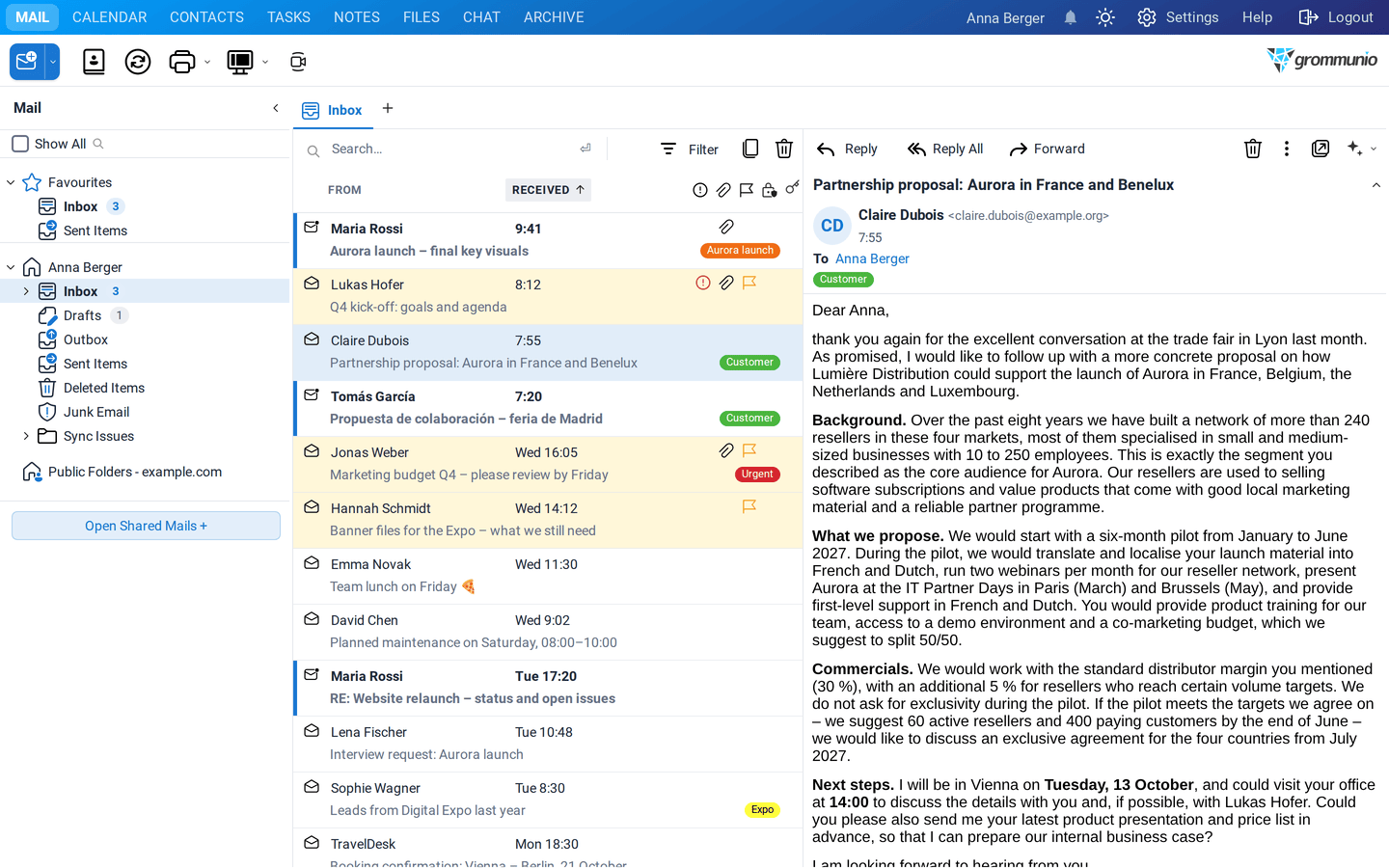
grommunio Web is the browser interface of grommunio. It brings your e-mail, calendar, contacts, tasks and notes together with files, chat and video meetings, and it works in any modern browser. There is nothing to install.
Who this manual is for
Section titled “Who this manual is for”This manual is written for the people who use grommunio Web every day. It does not assume any previous knowledge. It explains what you see on the screen, what each button does and how typical tasks are done, from writing your first mail to booking a meeting room or letting the AI assistant summarize a long thread.
The examples follow Anna Berger, Marketing Manager at the fictional company Example Ltd., through a normal working week: a product launch called Aurora, a trade fair, a website relaunch and a lot of mail.
What's new in grommunio Web 5
Section titled “What's new in grommunio Web 5”grommunio Web 5 is the largest update in the history of the web client. The highlights:
| Area | What changed |
|---|---|
| Look and feel | A redesigned interface with larger controls, a new sign-in page and a dark mode for the whole client, switchable from the top bar. |
| Keyboard | A command palette (Ctrl+K) to jump to any folder, view or setting, and undo/redo (Ctrl+Z/Ctrl+Y) for deleting, moving, flagging and more. |
| Document viewer | PDF, Word, Excel, PowerPoint, OpenDocument, images, audio, video and attached mails open directly in the browser. |
| Attachments | Select several attachments, drag them to another message or to your desktop as a ZIP file, save them to a folder or remove them from a stored message. |
| Security | OpenPGP next to S/MIME, with one shared pair of Sign and Encrypt buttons. |
| Works like Outlook | Categories, safe senders and blocked senders are stored the way Outlook stores them, so they are the same in grommunio Web, Outlook and on your phone. |
| AI Assistant | Summarize and translate mails, let the assistant suggest meetings, tasks and replies, and improve your own texts (if your administrator enabled it). |
| Conversation view also in shared mailboxes, sender logos (BIMI), sticky notes on mails and folder suggestions when moving mail. | |
| Profile | Profile pictures from a file, Gravatar or Libravatar, with a crop dialog. |
How this manual is organized
Section titled “How this manual is organized”- Getting started: Getting Started explains signing in, the layout of the window, searching, the command palette and appearance.
- Your daily work: Mail, Calendar, Contacts, Tasks and Notes describe the five main applications.
- Working with others: Folders & Permissions shows how to share folders, open shared mailboxes and work with delegates.
- Assistants and security: AI Assistant and Signing & Encryption cover the AI features, S/MIME and OpenPGP.
- Personalizing grommunio Web: Settings and Keyboard Shortcuts list every option.
- More applications: Files, Meet, Chat, Archive, Template Snippets, Mobile Devices and More Plugins.
Offline reading
Section titled “Offline reading”This manual is also available to download for offline use: