

Archive
grommunio Archive keeps a tamper-proof copy of all mail that is sent and received, for legal and compliance reasons and as a safety net. With the Archive plugin you can search it directly in grommunio Web, even for mails that have long been deleted from your mailbox.
Switching Archive on
Section titled “Switching Archive on”- Open Settings › Plugins.
- Tick Archive and click Apply.
- Reload grommunio Web when asked.
An Archive tab appears in the top bar. Your administrator may also have it open automatically after you sign in.
Searching the archive
Section titled “Searching the archive”Click Archive in the top bar. grommunio Archive opens in a grommunio Web tab:
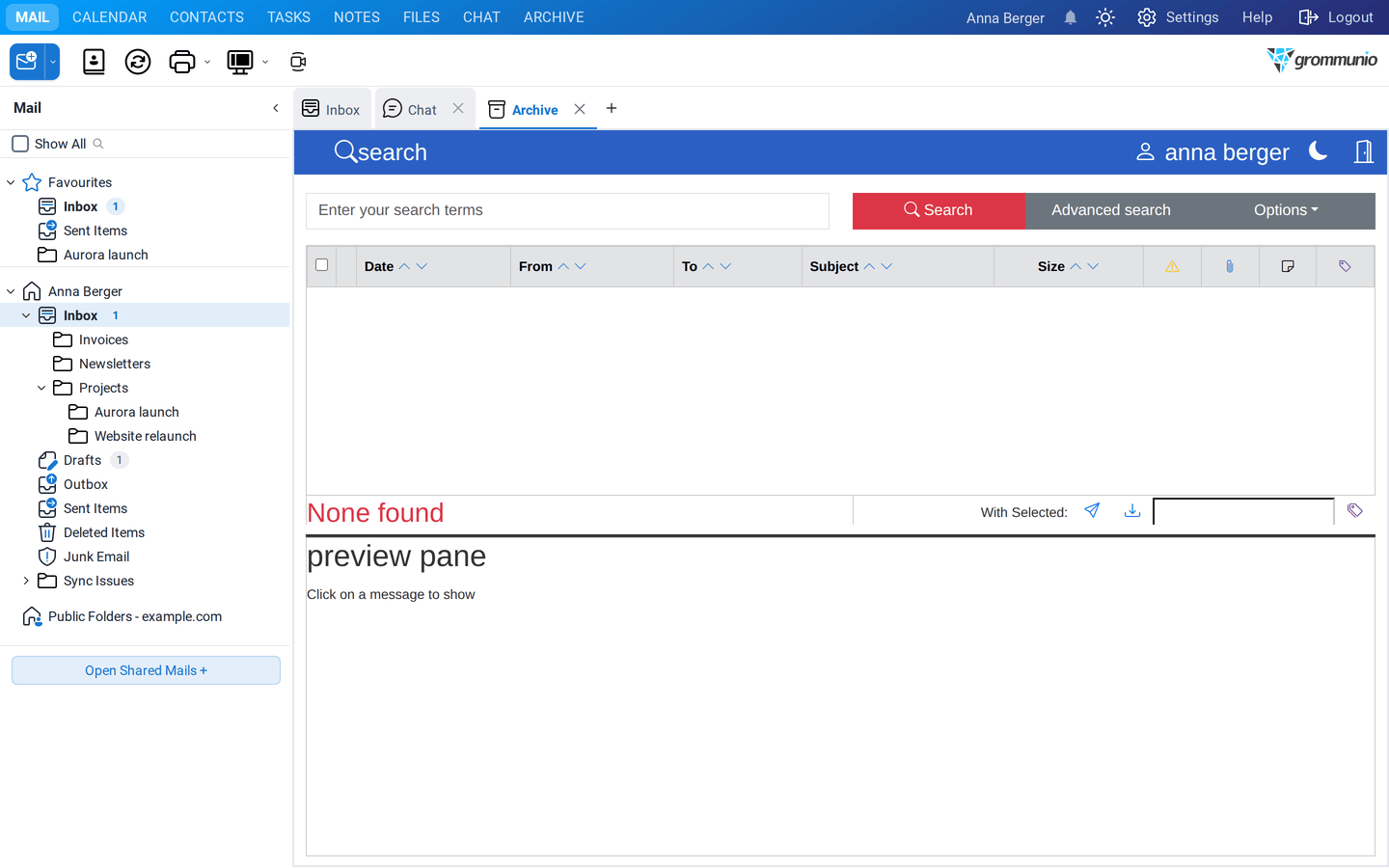
- Enter your search terms, for example a name, an address or words from the subject, and click Search.
- Use Advanced search to search by sender, recipient, subject, date, attachments or tags.
- Click a mail in the result list to show it in the preview pane.
With the buttons below the list you can restore a selected mail to your mailbox, download it as a file or add tags to it.